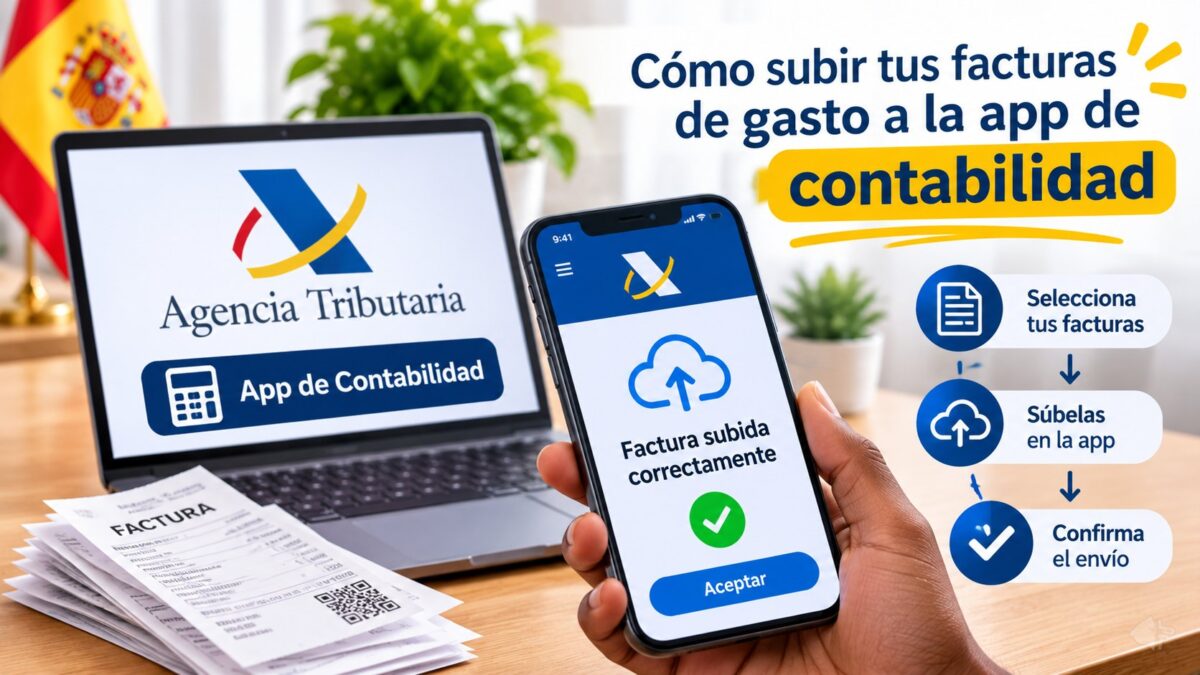
No more wasting time scrolling through paper invoices. No more losing invoices or tickets erasing over time. With the accounting app, you can send us purchase invoices from anywhere, at any time.
The accounting app has an expense reader that allows you to upload tickets and invoices so that they do not reach us, so that we can review and account for them.
There are 3 ways to upload documents to the reader. In this article we tell you about them in a basic way, if you want more information, do not hesitate to contact us by clicking on this link
1) The first way to upload expense invoices to the accounting app is by dragging documents to the platform. You can only upload documents 10 at a time.
The reason for this limitation is that the Internet has microcuts (it depends on the connection of each client) and to minimize the risk of any loss, Quipu has put this limitation that prevents any document from being lost.
The duplicate system prevents you from having to be careful when uploading it in case you upload one more than once. The system, thanks to its AI, detects duplicate expenses.
2) The second way to upload tickets and invoices to the accounting app is by sending them via email.
Each account has a specific email to send the documents. Keep in mind that the email is different to send to the income reader and the expense reader.
Your email address for the expense reader will be: el nombredetucuenta@gastos.quipubox.com.
Your email address for the income reader will be: el nombredetucuenta@ingresos.quipubox.com.
You can find it in the “income reader” or “expense reader” section.
This system is very convenient to forward invoices that you receive in the email, to send several documents at once or from your own mobile phone when taking several photos of several tickets.
3) The third way to upload invoices to the accounting app is through the mobile application.
You can download our mobile application for free, available for iPhone or Android.
From the application you can take photos to upload to the reader or by selecting a photo from your mobile gallery you can send it
to Quipu.